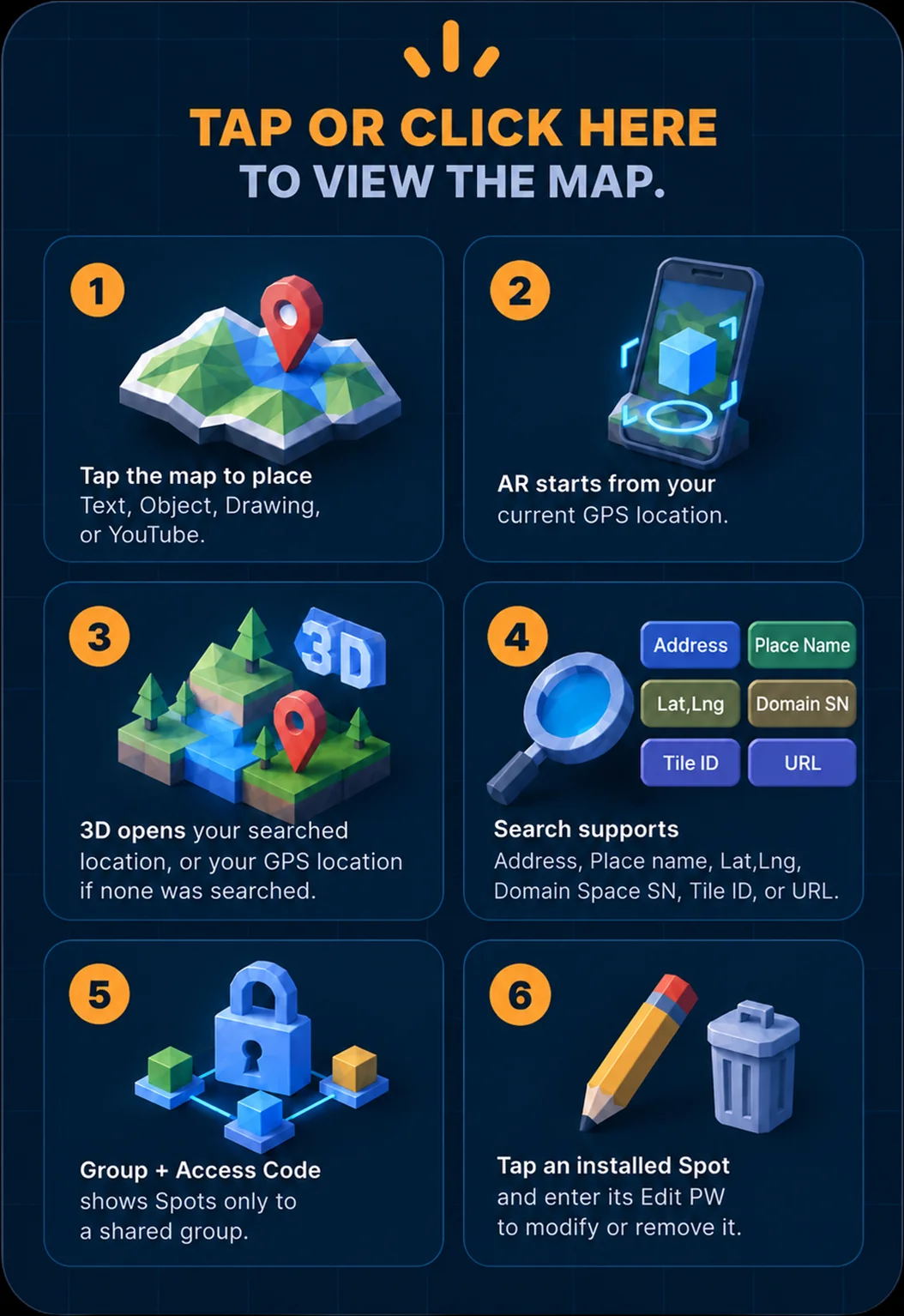
NIN Spot
AR
3D
Initializing GPS...
Group name
Access code
Waiting for location.
QR
Initializing...
Tap the Object
Map QR Code
X
Copy URL
Edit Reference Object
Edit PW
Cancel
Edit
Info
Close
Install
Text
Object
Drawing
YouTube
User
Color
Orientation
Rotation
ToUser
Degree
Select Object
Select an Object from Object Store.
Color
Brush
Image
Orientation
Rotation
ToUser
Degree
Orientation
Rotation
ToUser
Degree
AR Placement
EWSN
FBLR
Reference Follow
Position & Orientation
Position Only
Group
Access Code
Edit PW
Install
Cancel
Spot Object
Sub Object
Delete
Cancel
Delete
Object name
Edit PW
Delete
Cancel
↕
X
Move phone slowly. Objects are placed by GPS offset from your start position.
Domain Space
X
X
Open in YouTube
Align view to nearest 3D axis
1 m
Object editing mode
Move selected Sub Object
Rotate selected Sub Object
Resize selected Sub Object
Delete selected Sub Object
Undo last edit
Redo last edit
Copy selected Reference Object
Paste copied Object
Exit
Selected item
X
3D Preview
Sub Object Install
Group name
Access code
Edit PW
Text
Color
YouTube URL
Touch Action
None
Animation
Animation Clip
Time Scale
AR Placement
EWSN
FBLR
Reference Follow
Position & Orientation
Position Only
Orientation
Rotation
ToUser
Degree
Path2D
Path3D
Loop Path
Show All Edit Points
Test Path
Curve Shape
Influence Range
Speed (m/s)
Preset
Free Draw
Line
Circle
Ellipse
Figure-8
Finish Line
Playback
Once
Repeat
Ping Pong
Animation
No Change
Static
Apply
Close
Object Store
Close